Connecting API + Wallet to Terminal
Open http://localhost:6688 to load the CrossEx-Boros Terminal on your device.
Click the settings wheel on the right of the homepage to open the settings window, then enter:
- Your Gate API key and API secret
- Your Boros wallet address, so your Boros positions can be tracked in the dashboard
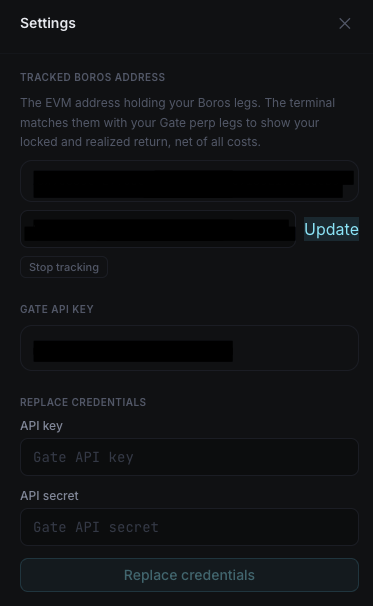
The app validates your key against Gate with a live read-only call before saving it. Your key and secret are stored only on your own machine, in ~/.boros-crossex/config/.env (macOS) or %LOCALAPPDATA%\CrossEx-Boros\config\.env (Windows) — never sent anywhere but signed requests to Gate's official API.
Once your API key and Boros wallet are connected, you're ready to start trading.
Next: Opening a Position